AtariVideoMusic.net
Owner's Manual & Downloads
Everything Atari shipped in the box — and every document you need to run, understand, or repair a C-240 today.
Setup (from the Original Manual)
- Connect the RF switch box to your television's VHF antenna terminals. The box's 75-ohm pass-through means your antenna or cable stays connected — flip the slider to switch between TV and Video Music.
- Connect stereo audio from your amplifier's tape/aux outputs to the unit's left and right RCA inputs.
- Tune the television to channel 3 or 4 (matching the unit's channel switch).
- Power on, play music, and bring up GAIN L and GAIN R until the pattern fills the screen without flickering.
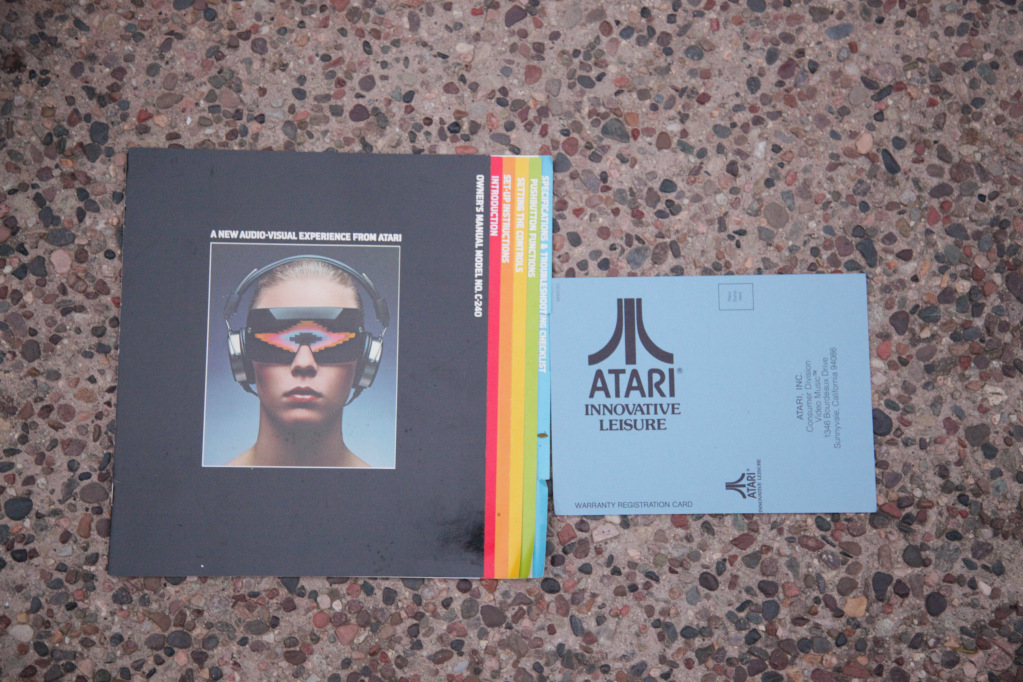
Control Reference
| GAIN L / R | Adjust input sensitivity — controls pattern size per channel. |
|---|---|
| COLOR | Shift from solid hues to rainbow effects. |
| CONTOUR L / R | Soft organic shapes → sharp geometric shapes. |
| SHAPE | Solid, Hole, Ring, or Auto. |
| HORIZONTAL / VERTICAL | Multiply images — 1 to 8 in rows or columns. |
| AUTO ALL | Cycle most settings randomly, driven by the music. |
Troubleshooting (as printed)
- No pattern — check gain settings and that audio is present.
- Flickering — lower the gain or change the output channel.
For deeper faults, see our full troubleshooting chart.